↓ Scroll Down to See All Items ↓
×
Bidding has ended on this item.
This Auction Uses Proxy Bidding.
Active
Remaining Time
Paused
0 Day, 22:20:18
Current Price
$1.00
(
)
Seller - BidBid-Inc
Payment Options
Seller Accepts Credit Cards
Seller Accepts Cash
Lot # H06M504079
System ID # 2605688
Start Date
End Date
0 Watching
Description
Location: Montreal
In Packaging?: Yes
Functional: Yes
Assembly Required?: No
Damaged?: No
Missing Parts?: No
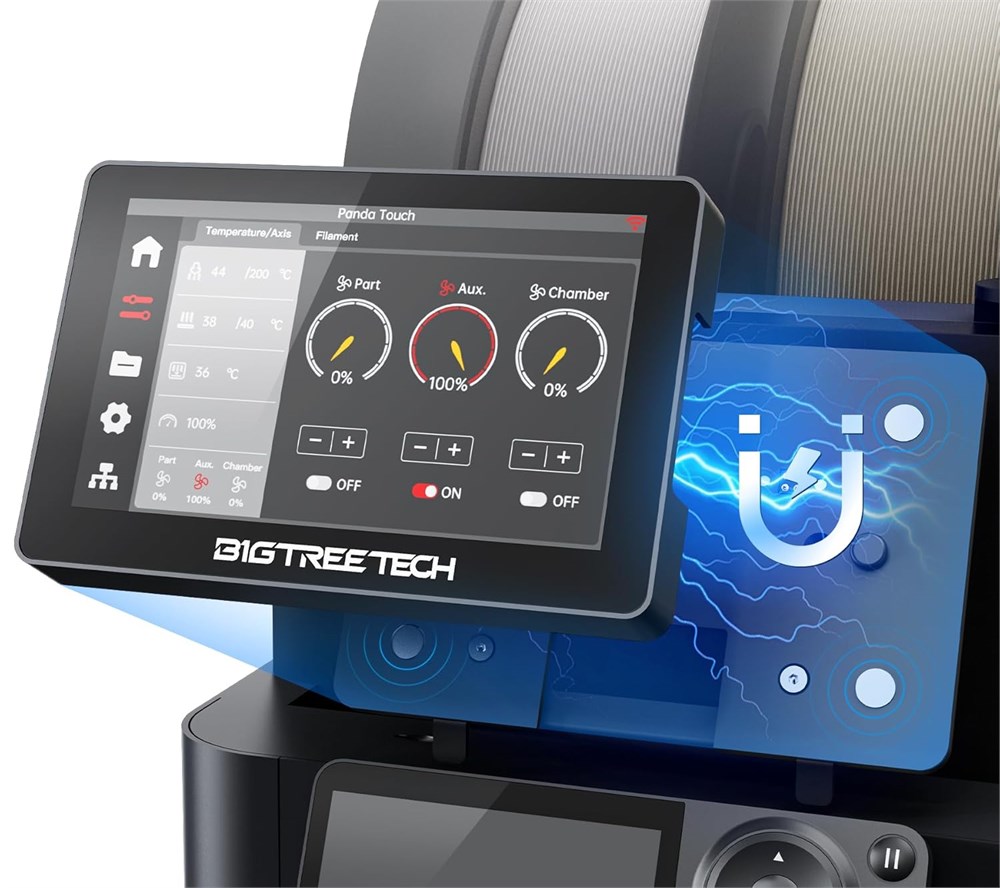
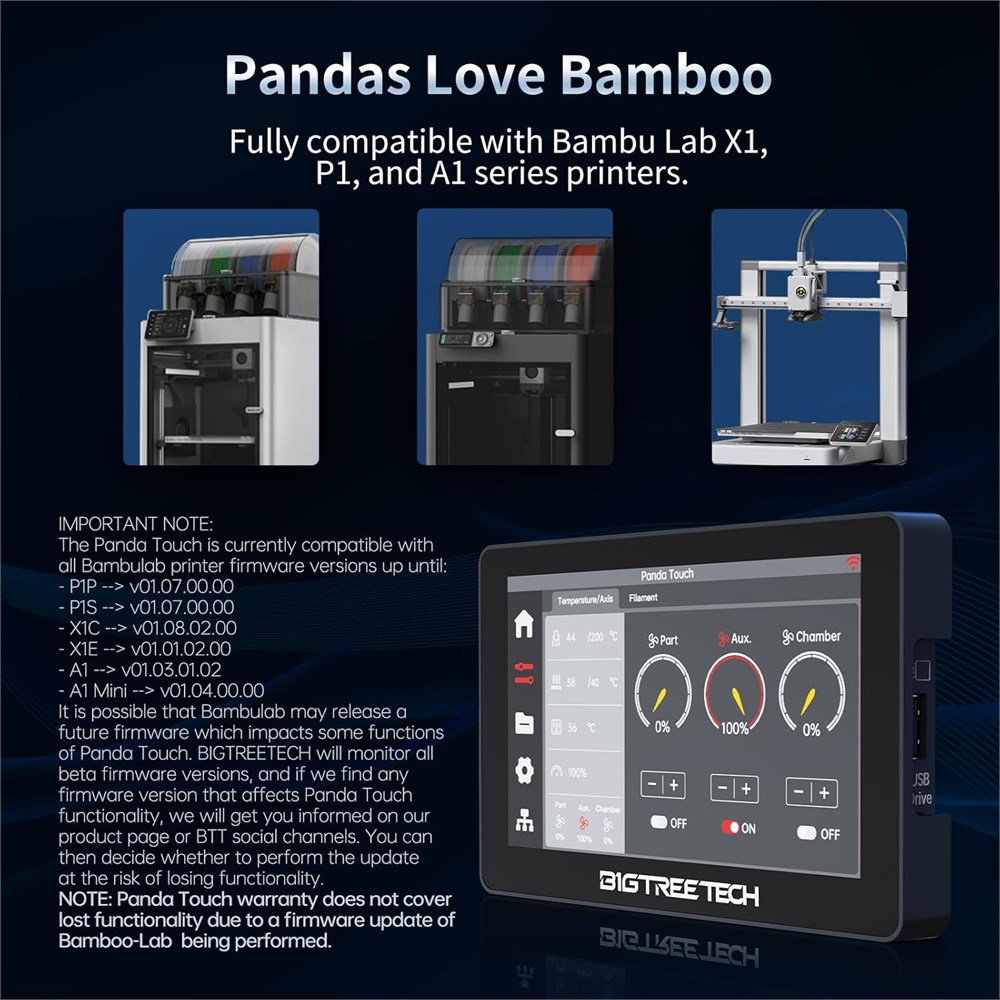
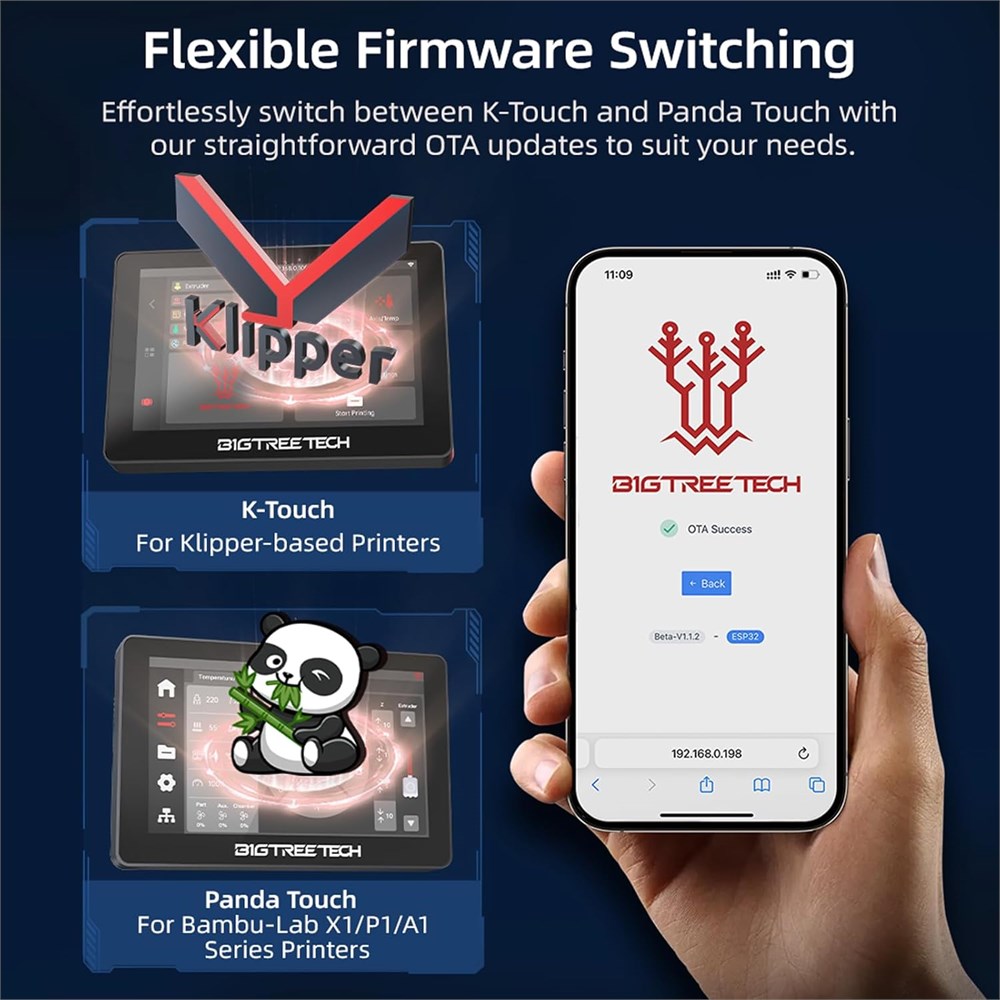
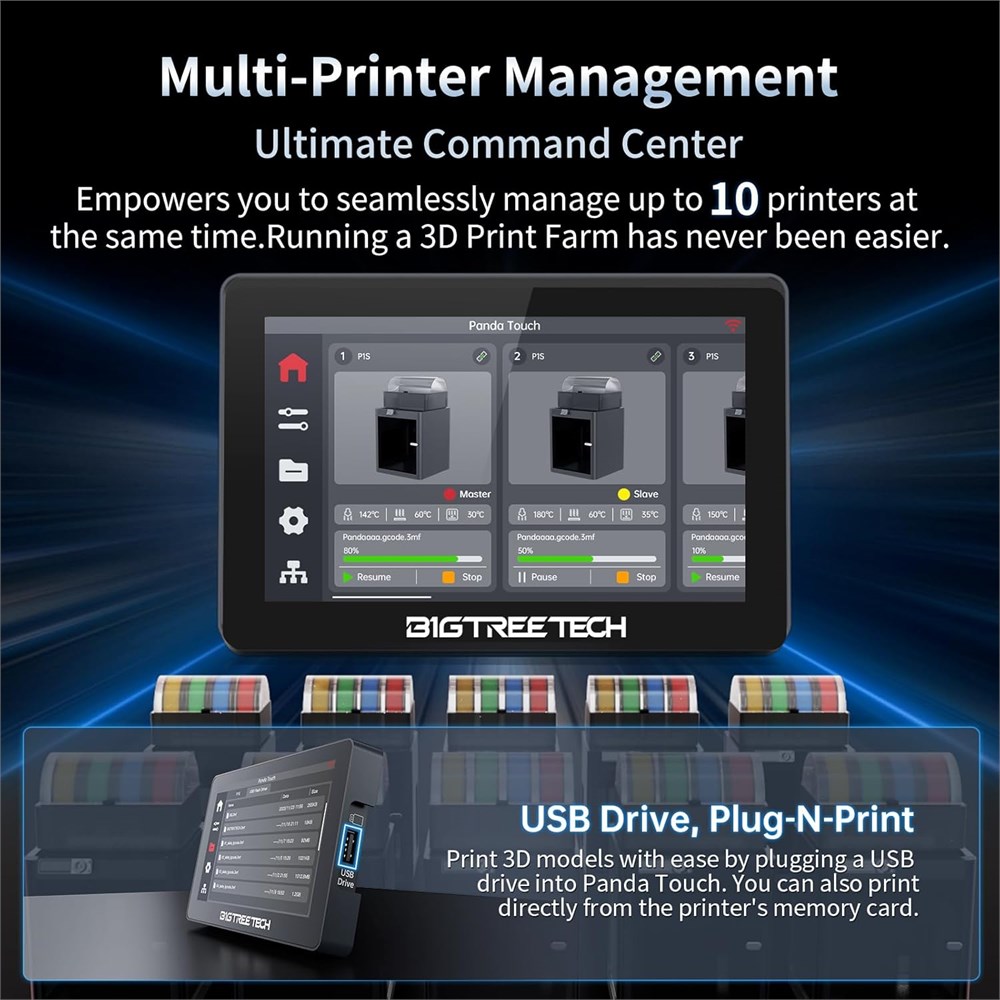
Multi-printers Control BTT Panda Touch enables simultaneous control and monitoring of 10 Bambulab printers ranging from P1/X1 to A1 series. We've developed multiple group control techniques which allow you to set one printer as a master and other as followers, or to set each printer as its own master. If you have more than one Bambu machine, then Panda Touch will give you the fine-grained group control you've been looking for. Plug and Play BTT Panda Touch is a 5-inch touchscreen upgrade kit with a similar look and feel to the original X1C screen. Just 2 main steps: dock installation and wiring can make your Bambulab P-series printers perform just as great as the X-series! Please update your panda touch to the latest firmware V1.0.6 so that it can be compatible with your Bambu-Lab printers if you ve updated the printers firmwares to its latest ones (download from github: bigtreetech/PandaTouch/tree/master/Firmware). Compatibility Panda Touch(V1.0.6) is compatible with all Bambu-Lab printers firmware versions up until: P1P/P1S> 01.07.00.00, X1C> 01.08.02.00, X1E> 01.01.02.00, A1> 01.03.01.02, A1 Mini> 01.04.00.00. It is possible that Bambu-Lab releases a future firmware which impacts some functions of Panda Touch. We will monitor all beta firmwares, and will get you informed via BIGTREETECH social channel if any firmware is found affected. NOTE: Warr-anty DOES NOT cover function lost by a firmware update. AMS Management Panda Touch introduces a groundbreaking upgrade to Bambu P/X/A series by providing an unparalleled, intuitive experience with direct control of the AMS. Supporting up to 4 AMS units with 16 filament slots per printer on up to 10 printers, you can effortlessly manage and customize filament types, colors, and printing temperatures. Make multi-colors printing effortless on any Bambu-Lab machine! 2 Charging Modes for Portability BIGTREETECH Panda Touch is equipped with a magnetic charging dock and a USB cable for convenient charging! Its built-in lithium battery also allows 30 minutes of wireless portable life, so that you can take it away anywhere in the house or print farm and still control your printers with ease. Multiple Functions Panda Touch helps to control your Bambu printers freely, it supports AMS management, portable control, LED light control, print head and heatbed control, fan speed control, TF Card/U-disk reading, printing files management, auto-search Bambu printers within the LAN, multi-printer control/management and so on. Firmware V1.0.6 Please update firmware of your panda touch to V1.0.6 for better user experience(download from github: bigtreetech//PandaTouch/tree/master/Firmware). 1)Thumbnail Display of Print files on Home Screen and SD Card. 2)Support reprint function after completion directly from the home screen, which requires that the print files must be saved in the printer s default SD card directory (select Cache or Root in Panda Touch settings). 3)AMS humidity display. Explore more functions with V1.0.6!
Functional: Yes
Assembly Required?: No
Damaged?: No
Missing Parts?: No
Multi-printers Control BTT Panda Touch enables simultaneous control and monitoring of 10 Bambulab printers ranging from P1/X1 to A1 series. We've developed multiple group control techniques which allow you to set one printer as a master and other as followers, or to set each printer as its own master. If you have more than one Bambu machine, then Panda Touch will give you the fine-grained group control you've been looking for. Plug and Play BTT Panda Touch is a 5-inch touchscreen upgrade kit with a similar look and feel to the original X1C screen. Just 2 main steps: dock installation and wiring can make your Bambulab P-series printers perform just as great as the X-series! Please update your panda touch to the latest firmware V1.0.6 so that it can be compatible with your Bambu-Lab printers if you ve updated the printers firmwares to its latest ones (download from github: bigtreetech/PandaTouch/tree/master/Firmware). Compatibility Panda Touch(V1.0.6) is compatible with all Bambu-Lab printers firmware versions up until: P1P/P1S> 01.07.00.00, X1C> 01.08.02.00, X1E> 01.01.02.00, A1> 01.03.01.02, A1 Mini> 01.04.00.00. It is possible that Bambu-Lab releases a future firmware which impacts some functions of Panda Touch. We will monitor all beta firmwares, and will get you informed via BIGTREETECH social channel if any firmware is found affected. NOTE: Warr-anty DOES NOT cover function lost by a firmware update. AMS Management Panda Touch introduces a groundbreaking upgrade to Bambu P/X/A series by providing an unparalleled, intuitive experience with direct control of the AMS. Supporting up to 4 AMS units with 16 filament slots per printer on up to 10 printers, you can effortlessly manage and customize filament types, colors, and printing temperatures. Make multi-colors printing effortless on any Bambu-Lab machine! 2 Charging Modes for Portability BIGTREETECH Panda Touch is equipped with a magnetic charging dock and a USB cable for convenient charging! Its built-in lithium battery also allows 30 minutes of wireless portable life, so that you can take it away anywhere in the house or print farm and still control your printers with ease. Multiple Functions Panda Touch helps to control your Bambu printers freely, it supports AMS management, portable control, LED light control, print head and heatbed control, fan speed control, TF Card/U-disk reading, printing files management, auto-search Bambu printers within the LAN, multi-printer control/management and so on. Firmware V1.0.6 Please update firmware of your panda touch to V1.0.6 for better user experience(download from github: bigtreetech//PandaTouch/tree/master/Firmware). 1)Thumbnail Display of Print files on Home Screen and SD Card. 2)Support reprint function after completion directly from the home screen, which requires that the print files must be saved in the printer s default SD card directory (select Cache or Root in Panda Touch settings). 3)AMS humidity display. Explore more functions with V1.0.6!
Photo Gallery